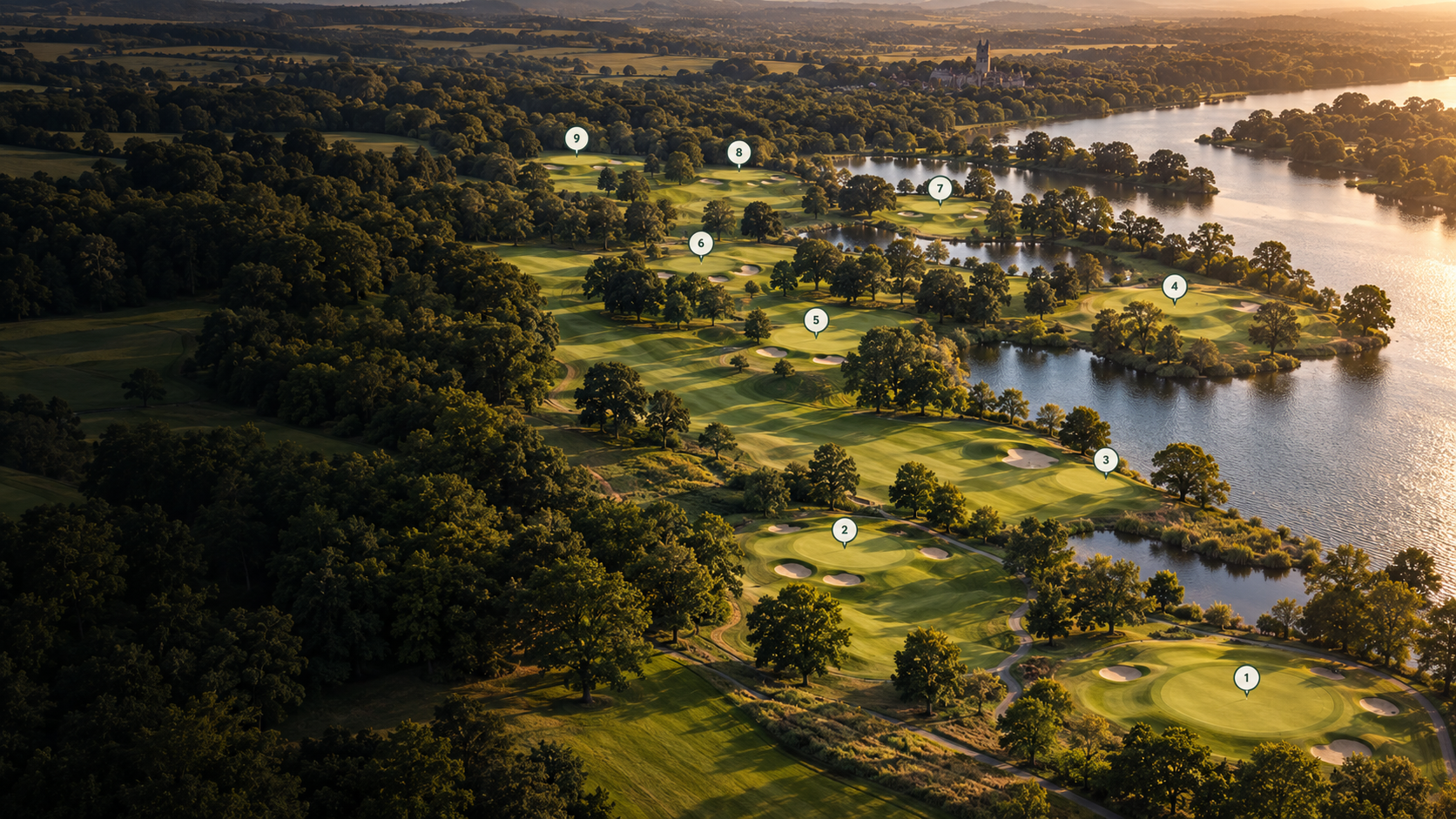
We’ll visit your club and capture the course from above with our drones, photographing the fairways, greens, bunkers, trees and wider setting.
We plan the capture around your course and club activity, gathering the imagery we need to recreate the landscape in detail.
Drone capture, planned around your course.
02 / CREATE YOUR DIGITAL COURSE
A digital twin. Ready for your website.
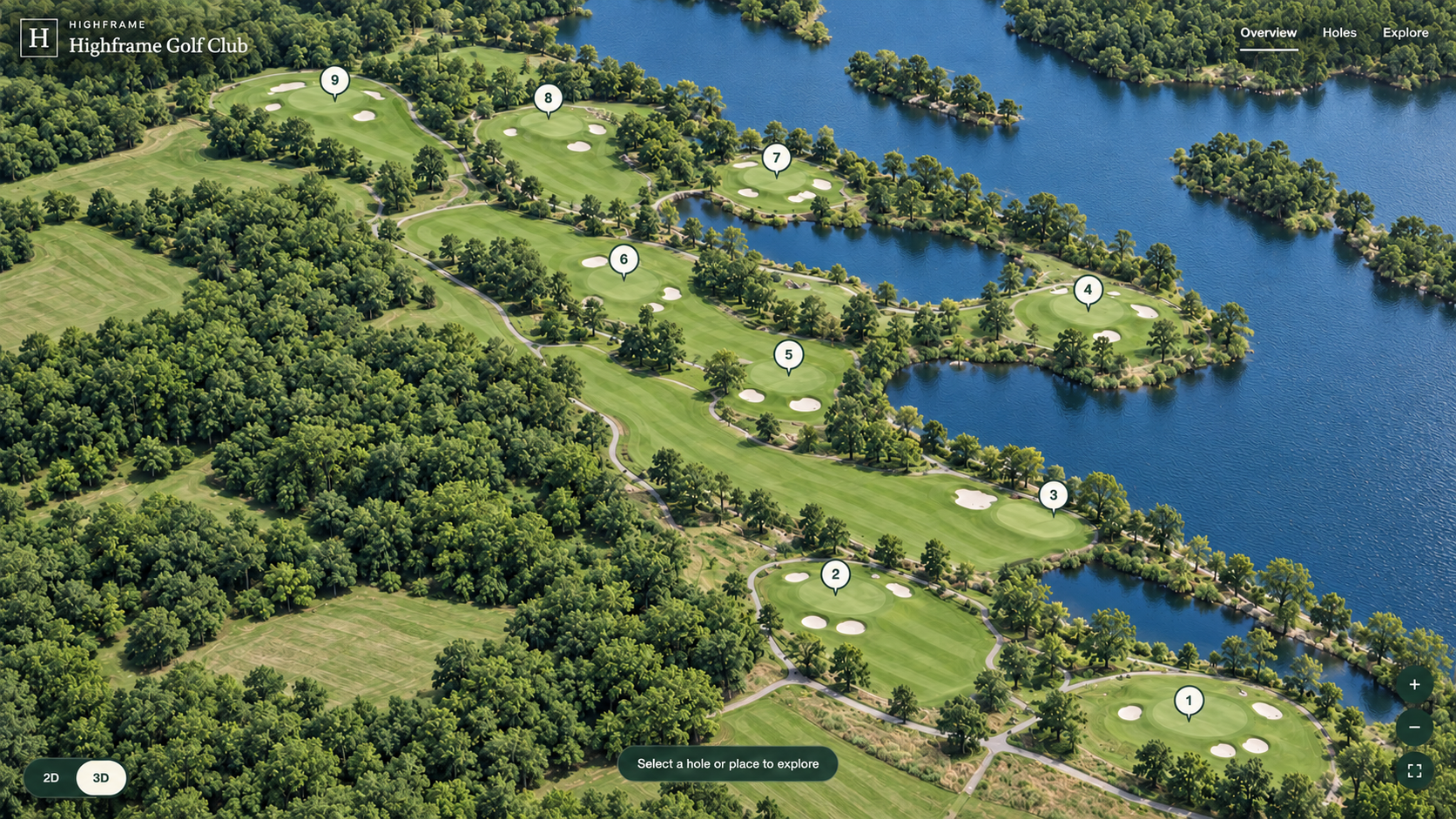
We turn that capture into a highly detailed digital model of your course, recreating its fairways, greens, bunkers, trees and wider setting in beautiful detail.
We then build a tour over that model in our own Highframe Viewer, with hole information and photographs supplied or approved by your club. Visitors can move around the landscape and discover how each hole fits into the course.
A detailed digital model, made into your own online course tour.
Try the live demo. Explore the layout, select a hole or look around in 3D. Your club’s version would show your own course, with your branding and hole information.
Give visitors a way to explore before they arrive, and a touch screen to discover the course once they’re at the club.
Let visitors explore online
We can embed your Explorer in your existing club website, alongside visitor information and booking links. Guests, societies and prospective members can explore the layout, choose a hole and get a feel for the course before planning a visit.
Make it part of the clubhouse
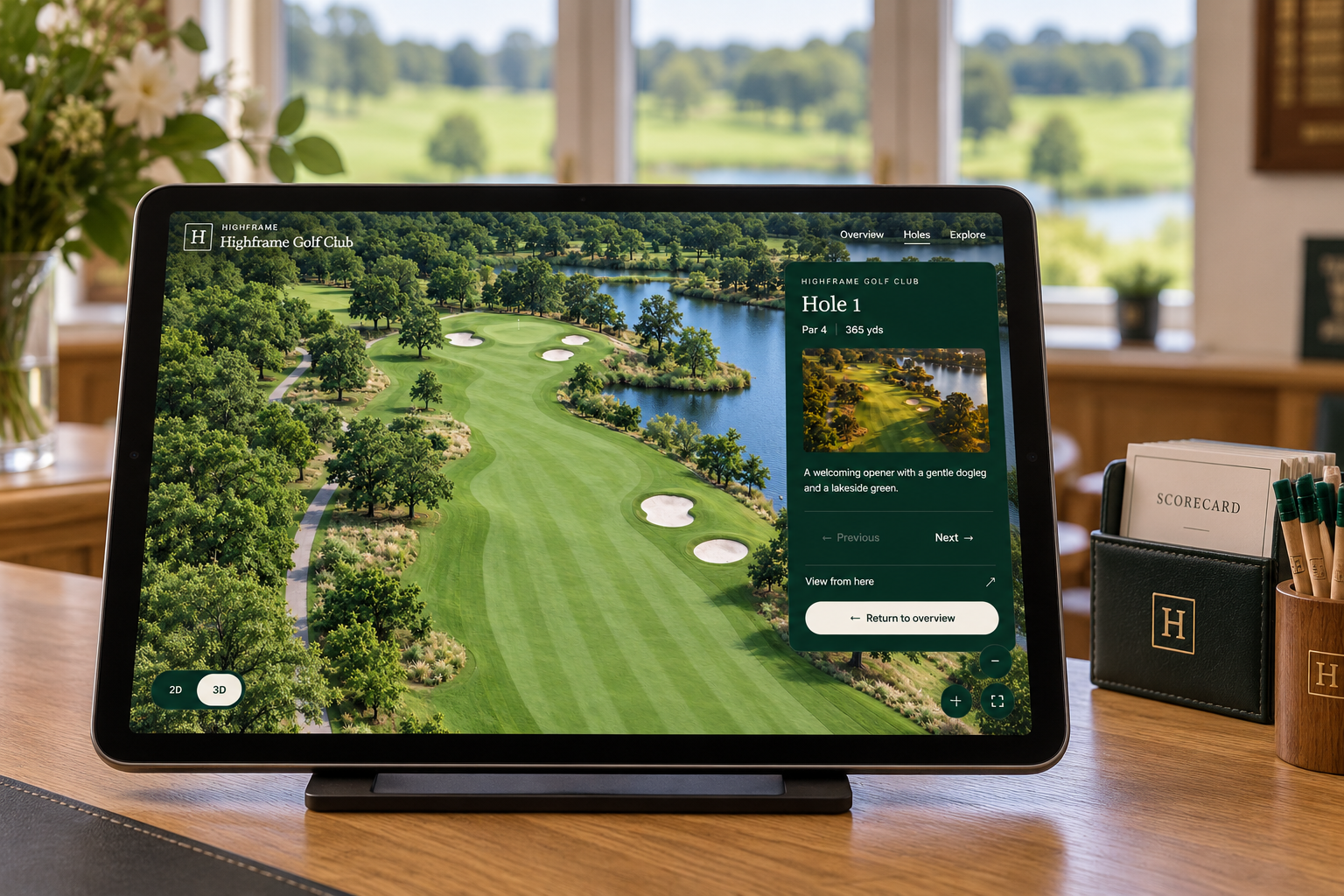
The same Explorer can be opened on a supported iPad at reception or in the pro shop. A tablet on a counter stand gives guests a simple way to explore before their round, with a touch-to-explore welcome screen using your club’s name and branding.
Illustrative setups — the same course Explorer online and in the clubhouse.
LET YOUR COURSE DO THE TALKING
Let’s plan your course capture.
From your course to an online Explorer.
01
Plan it with your club
Agree the course coverage, branding and hole information, then choose capture timing around your team and course activity.
02
Capture the landscape
We visit with our camera drones and capture the course for its detailed 3D reconstruction.
03
Build the course tour
We create the digital twin and configure our own viewer with your holes, photographs and descriptions.
04
Review and share
You review the Explorer, then we help you add it to your website or open it on a clubhouse iPad.
Every club is different. We’ll put together a clear quote based on your course’s size, capture requirements and the Explorer you want to create — covering drone capture, the 3D model and your branded course tour.
Tell us about your club and we’ll plan a course capture and Explorer around the experience you want to offer.